- Full customization of bank accounts
Set default bank accounts for each business partner or assign specific accounts by location, ensuring that every transaction is executed with the right account.
- Smart autocomplete in invoices and orders
Bank account fields in orders and invoices are automatically filled based on the selected address, reducing manual errors.
- Payment plans with integrated banking information
Payment plans generated from orders now include the linked bank account, ensuring greater accuracy in financial records.
- Improved buttons: search invoices and payments by bank account
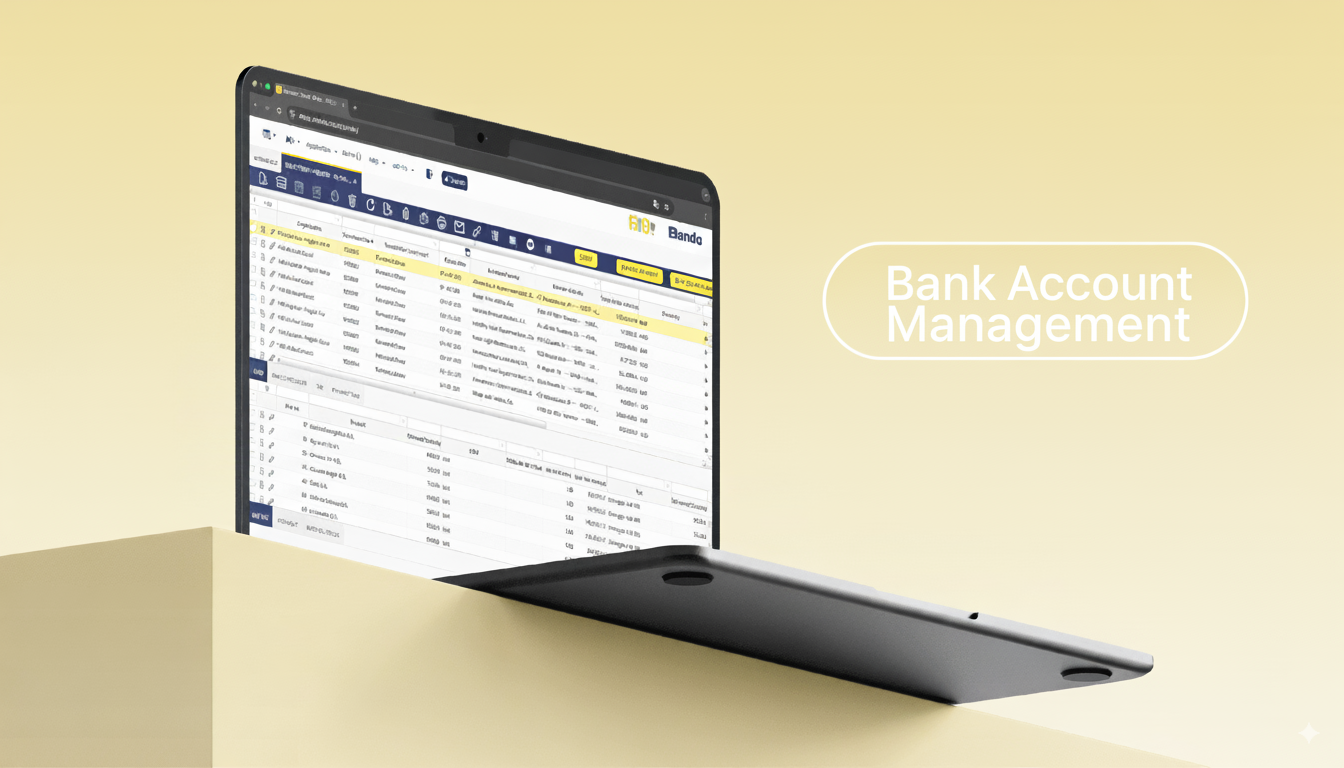
The “Add Payment” and “Add Details” buttons now allow you to filter and search invoices and payments by the customer’s or supplier’s bank account. This improvement makes bank reconciliation much faster and clearer.
- Flexible modification of payment plans
With the new “Modify Payment Plan” button, you can adjust existing plans—if they don’t already have payments associated—and define specific bank accounts for each record.
Why is this innovation key?
With Etendo, this search becomes simple, fast, and reliable. The result: greater traceability, easier reconciliation, and better financial decision-making.
👉 Check the official Etendo documentation
👉 Want to try it in your company? Contact us here
FAQ – Frequently Asked Questions
What version of Etendo do I need to use this functionality?
You need the Financial Extensions Bundle and Etendo version 23 or higher.
Can I search payments and invoices by any registered bank account?
Yes, as long as the account is associated with the business partner and set as default or linked to a location.
How does the search for invoices and payments by bank account work?
In the invoice and payment windows, the bank account fields allow you to filter and quickly locate related documents.
Summary
Advanced Bank Account Management in Etendo not only improves the control of associated accounts but also introduces a unique functionality: searching and filtering invoices and payments by bank account.
With this innovation, Etendo provides a new level of traceability and efficiency that transforms financial management for businesses.







Leave a Reply