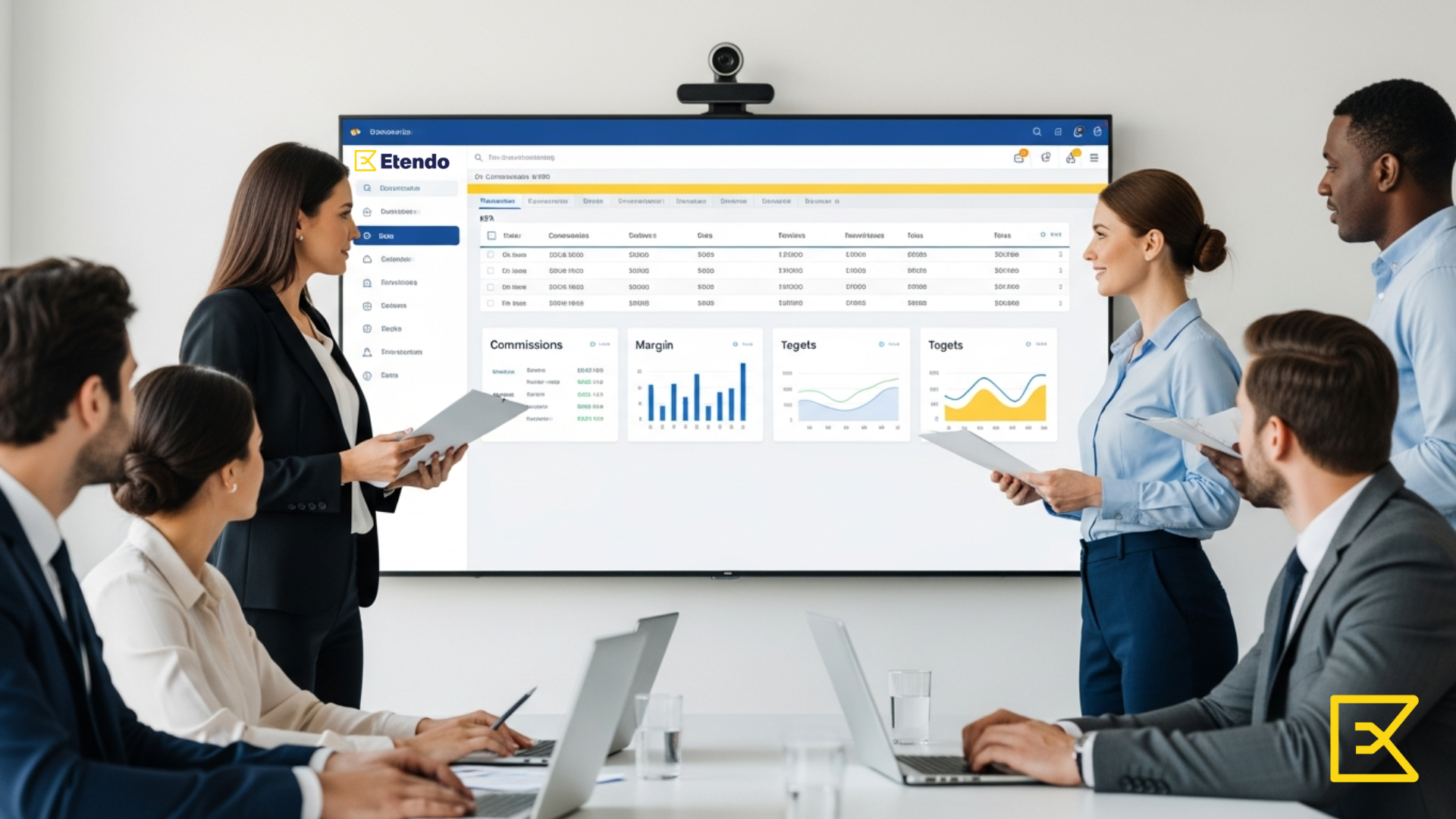
Etendo integrates commission management within the Sales Management module, allowing you to:
- Define flexible commission schemes
- Apply rules by salesperson, product, customer, or date
- Calculate commissions based on sales orders or invoices
In addition, Etendo allows you to automatically generate commission settlements in the currency you choose, eliminating manual calculations and administrative errors.
🔗 Official documentation
Types of sales commissions you can configure in Etendo ERP
1. Percentage-based commission on sales
The most common model, fully supported by Etendo.
Example:
- 5% on issued invoices
- Different percentages by salesperson or sales channel
Etendo allows these percentages to be defined by period, avoiding duplications and errors.
2. Fixed commission per transaction
Ideal for recurring sales or service-based businesses.
Example:
- €50 per confirmed order
- €100 per signed contract
This scheme is easy to configure and fully integrated with automatic settlement.
3. Commission by product or category
Not all products have the same strategic value.
Example:
- Premium products → higher commission
- Standard products → lower commission
In Etendo, these rules are defined directly in the commercial setup, with no custom development required.
4. Commission by customer or segment
Perfect for:
- Key accounts
- Strategic customers
- New customers
Etendo allows you to apply specific incentives while maintaining full financial and accounting control.
5. Margin-based commission
One of Etendo’s key differentiators.
Instead of rewarding volume alone, you can calculate commissions based on profitability, aligning the sales team with the company’s real business objectives.
6. Commissions by period or campaign
Temporary bonuses for:
- Sales campaigns
- Quarterly closings
- Product launches
Everything is recorded, controlled, and ready for later analysis.
Why Etendo manages commissions better than other ERP systems
Unlike many ERP solutions on the market, Etendo:
- Does not require extra modules for complex commissions
- Avoids unnecessary custom developments
- Keeps rules clear, auditable, and traceable
- Integrates sales, finance, and commissions into a single flow
- Allows commissions to be calculated in the currency you choose
This results in lower operational costs, greater control, and more motivated sales teams.
What type of companies is Etendo ERP ideal for?
- Companies with medium or large sales teams
- B2B businesses with complex commission rules
- Organizations that want to eliminate Excel
- Companies looking for a modern, scalable, and flexible ERP
FAQ – Sales commissions in Etendo
What are sales commissions in ERP?
They are financial incentives automatically calculated according to rules defined in the system.
Can I combine different commission configurations in Etendo?
Yes. Etendo allows you to combine percentages, fixed amounts, and multiple conditions.
Do commissions impact accounting?
Yes. They are fully integrated with sales, invoicing, and finance.
Can I audit commission calculations?
Absolutely. Every commission is fully traceable from its origin.
Do I need custom development to use commissions in Etendo?
No. Everything is configured directly in the ERP.
Summary
Sales commissions in ERP systems should not be an operational problem.
With Etendo ERP, they become a strategic tool to sell better, with control and without internal conflicts.
If your ERP doesn’t manage commissions properly, the problem isn’t your sales team. It’s the tool.







Leave a Reply